


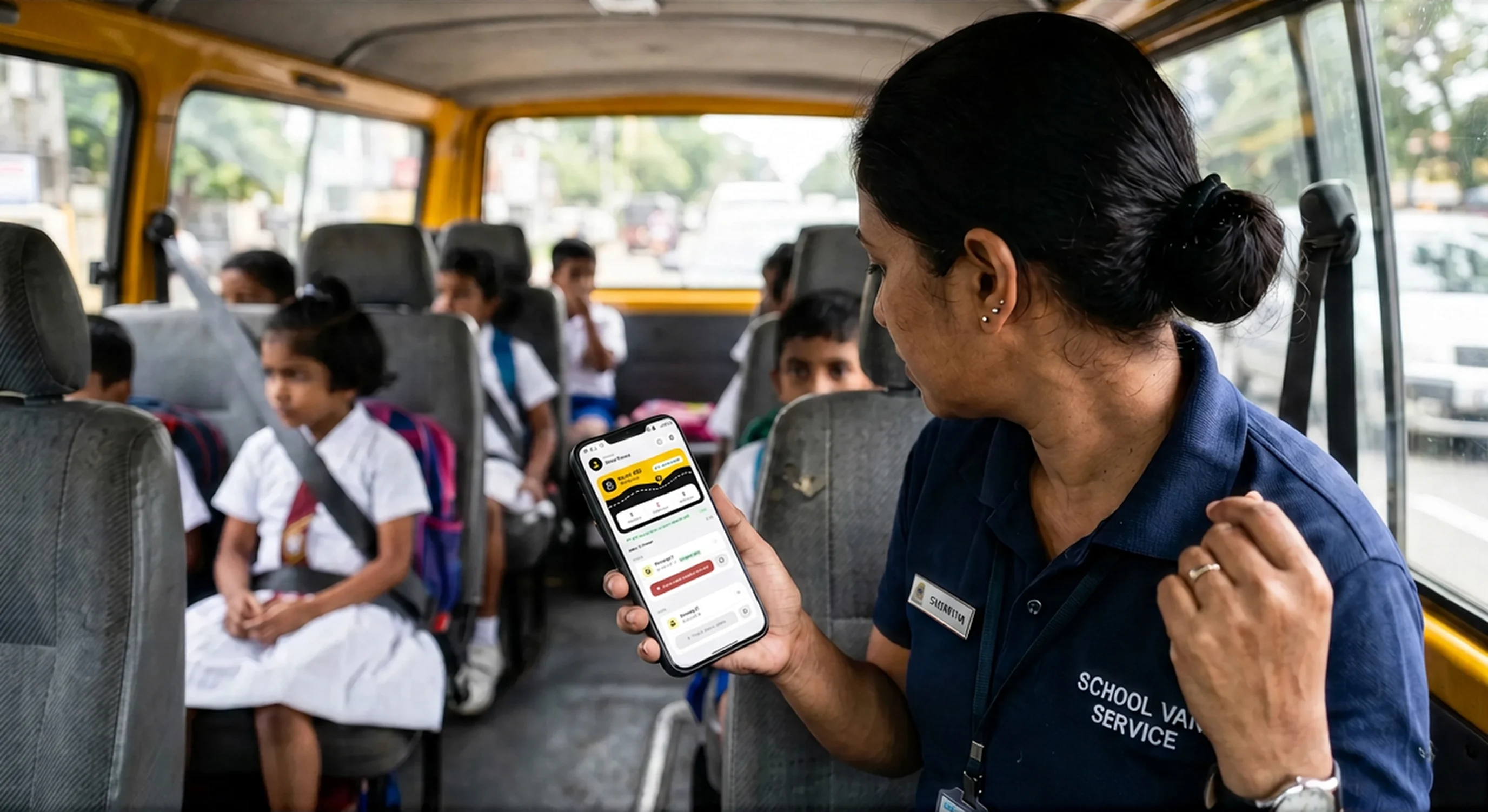
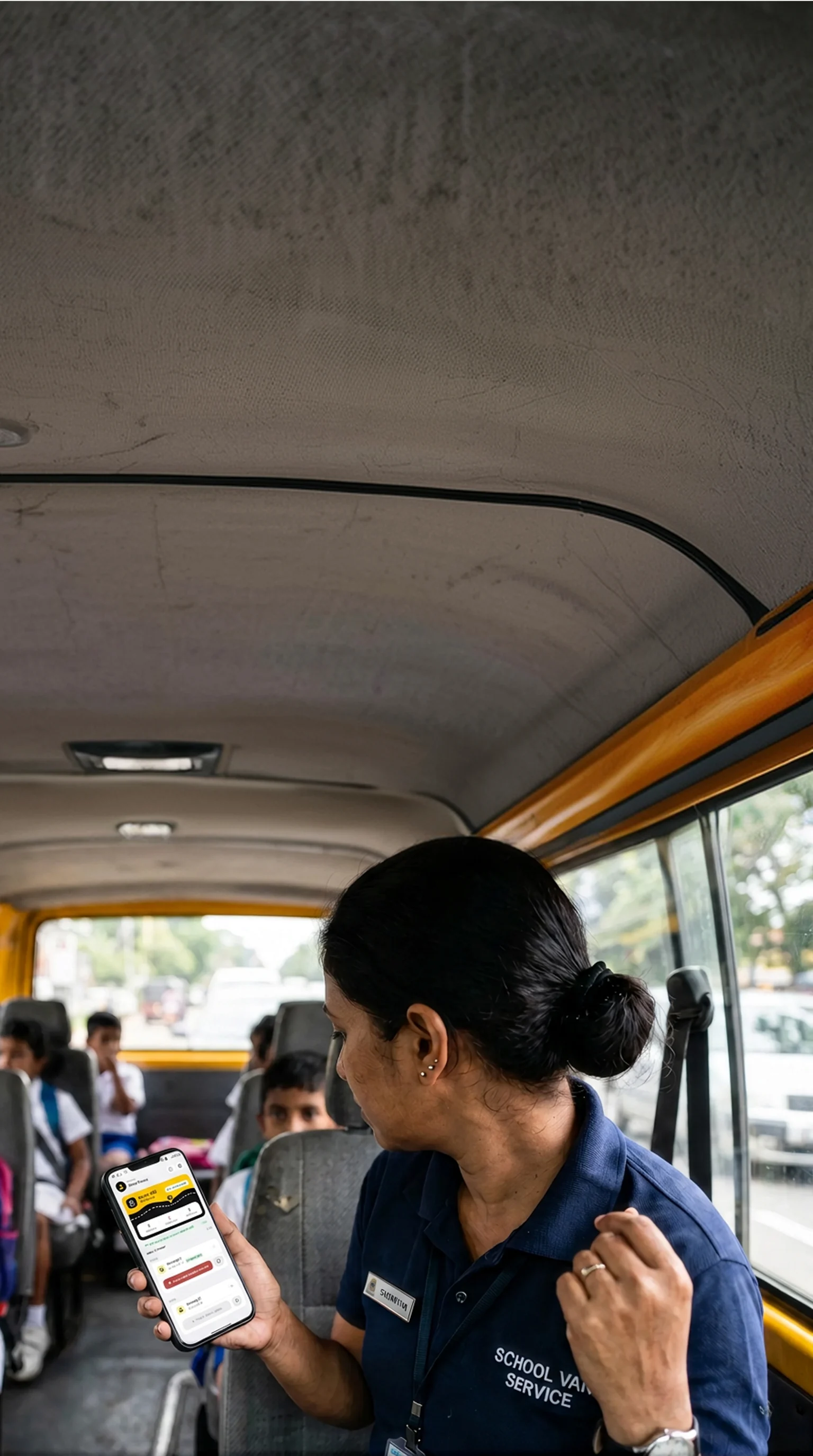


Know where your child is, the moment you wonder.
Open the app and the bus is right there on the map. Every pickup and drop-off is confirmed by name as it happens, so you stop guessing and start knowing.
What we work on
Three problems shape the product: parents not knowing where the bus is, attendants tracking attendance on paper, and operators running below capacity.
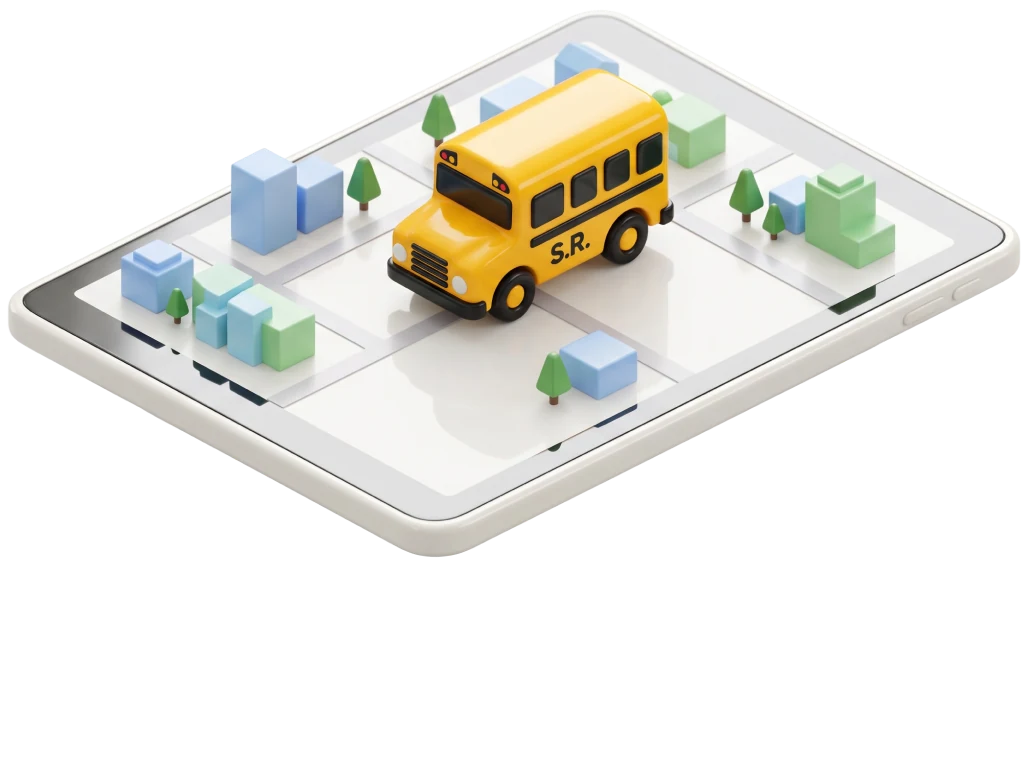
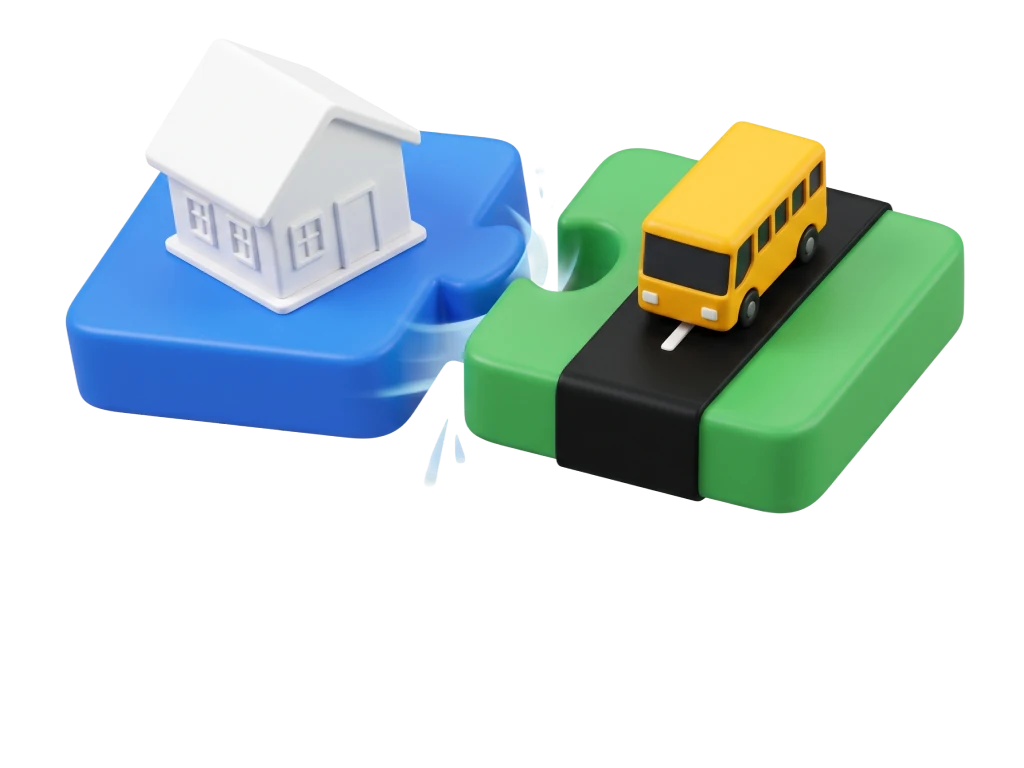
Visibility
The bus's live position and stop-by-stop progress while a trip is running, reported from the attendant's device on board.
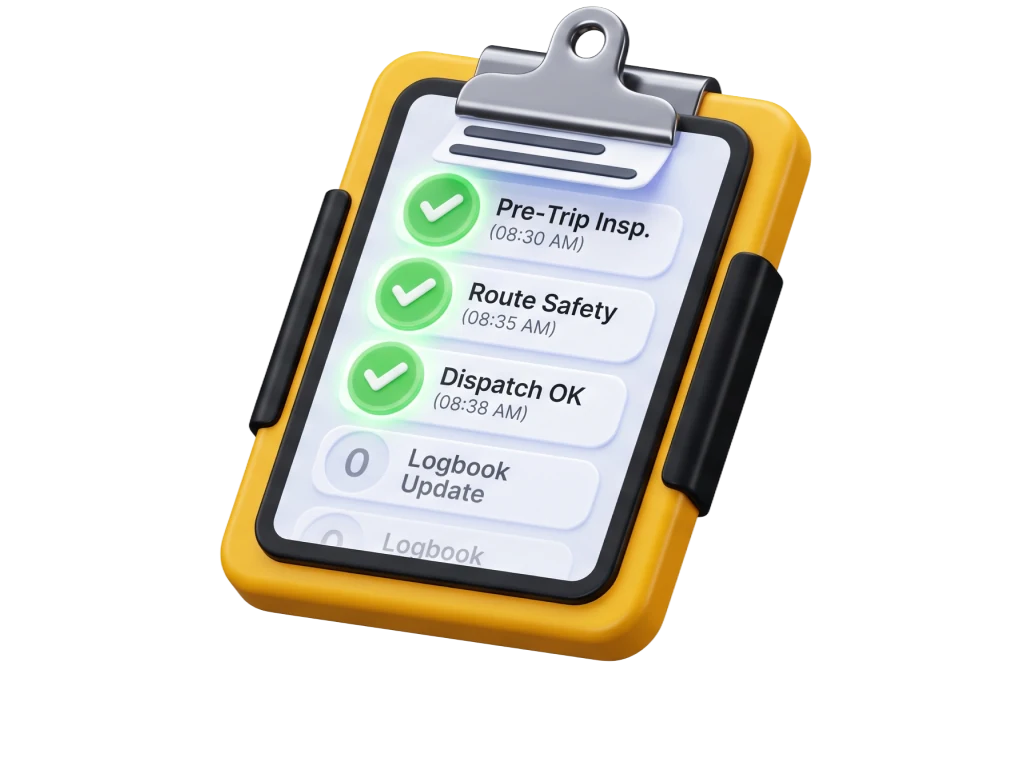
Accountability
A record of who boarded, where and when, kept per session rather than per day.
Utilisation
Matching parents to routes that already pass their area instead of adding new ones.
- Live GPS tracking
- Boarding attendance
- Route list and ordering
- Absence in one tap
- Verified drivers
A school bus should never be a black box.
Follow the bus on the map from the moment the trip starts until the last child is dropped, with every stop marked off as the bus passes it.
The attendant marks every child on and off the bus. Parents get the confirmation instantly.
Morning and evening routes, stop previews and running order, ready before the day starts.
Mark your child absent the night before and the driver sees an updated boarding count.
Licences, vehicle papers and attendant details are checked before a bus takes its first route.
From the school gate to your front door.
In that window the school's duty of care has ended and yours hasn't begun. SafeRide fills the gap. Whether your child boarded, was dropped, reached school — all of it on your phone.
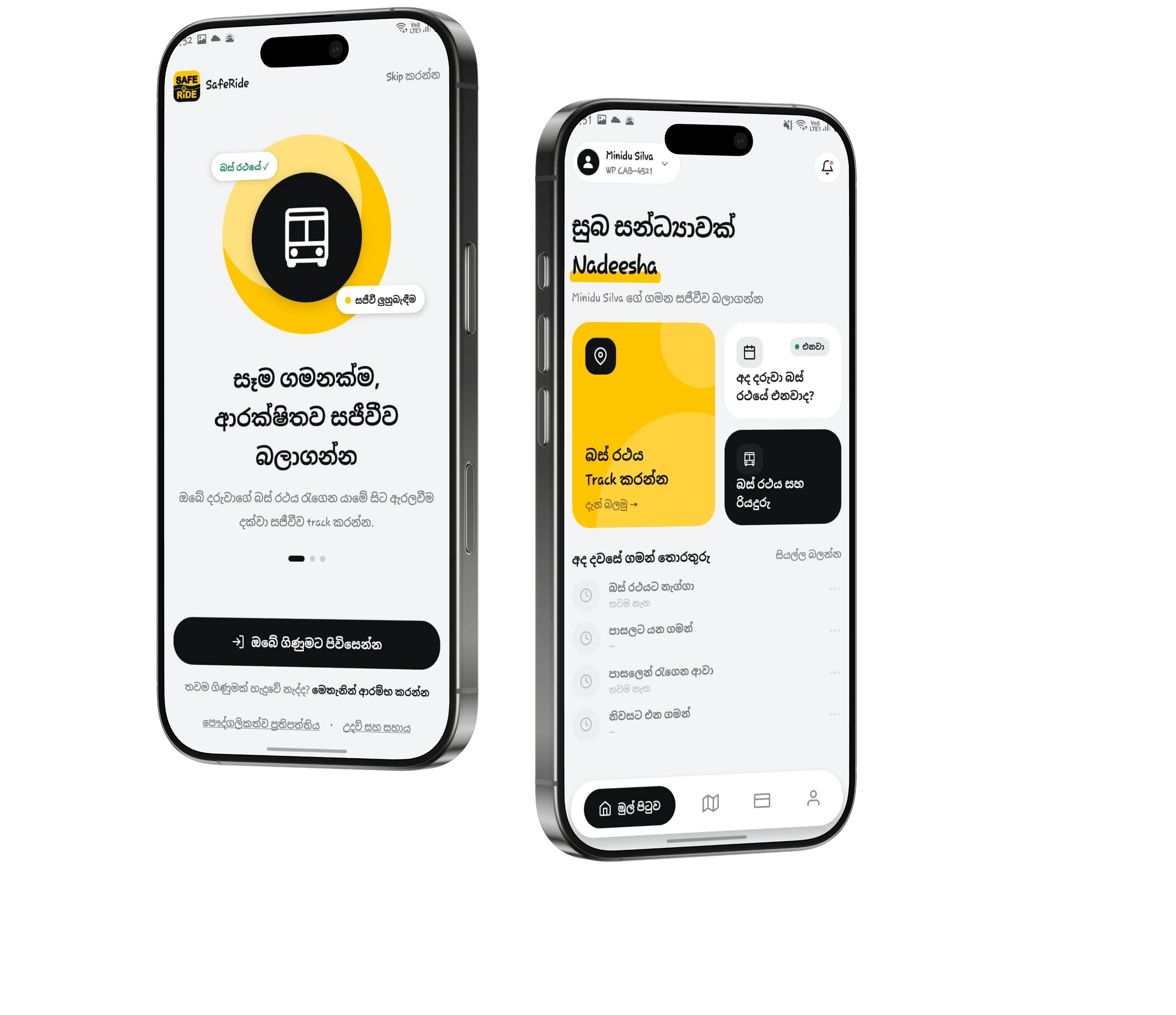
Not a tracker. The system that runs the service.
A GPS box can only show you the vehicle. SafeRide shows you the child — who boarded, who was missed, who was absent, who has paid.
School transport is being formalised. Be ready for it.
Regulatory authority for school student transport now sits with the NTC. CCTV, GPS, an attendant, inspections — a set of standards takes effect from 2026.
Based on public news reporting and government announcements. Check the gazette for the exact clauses.
Frequently asked questions
A GPS box only shows you where the vehicle is. SafeRide shows you the child — boarded, missed, dropped, absent, paid. A tracker cannot build that record.
The owner enters the guardian's NIC when registering the child. The parent downloads the app, enters that NIC, sets their own password and is logged in immediately. The owner never issues a password.
One account. An NIC belongs to one real person across the whole system, so a single login shows the children from both services.
No. Cash or bank deposit only. The owner marks a payment received, and the parent can then download the receipt. Card payment isn't in v1.
No. While the trip is active you see the vehicle's location. For the child you see status — boarded, dropped, missed.
Sinhala and English. Tamil comes in the next phase.